Best Free AI Tools in 2026: ये AI Tools आपका काम घंटों से मिनटों में कर सकते हैं
Best Free AI Tools in 2026 की पूरी लिस्ट. ChatGPT, Gemini, Claude, Perplexity से लेकर AI photo, video, writing और coding tools तक जानिए कौन सा AI tool किस काम के लिए सबसे अच्छा है.
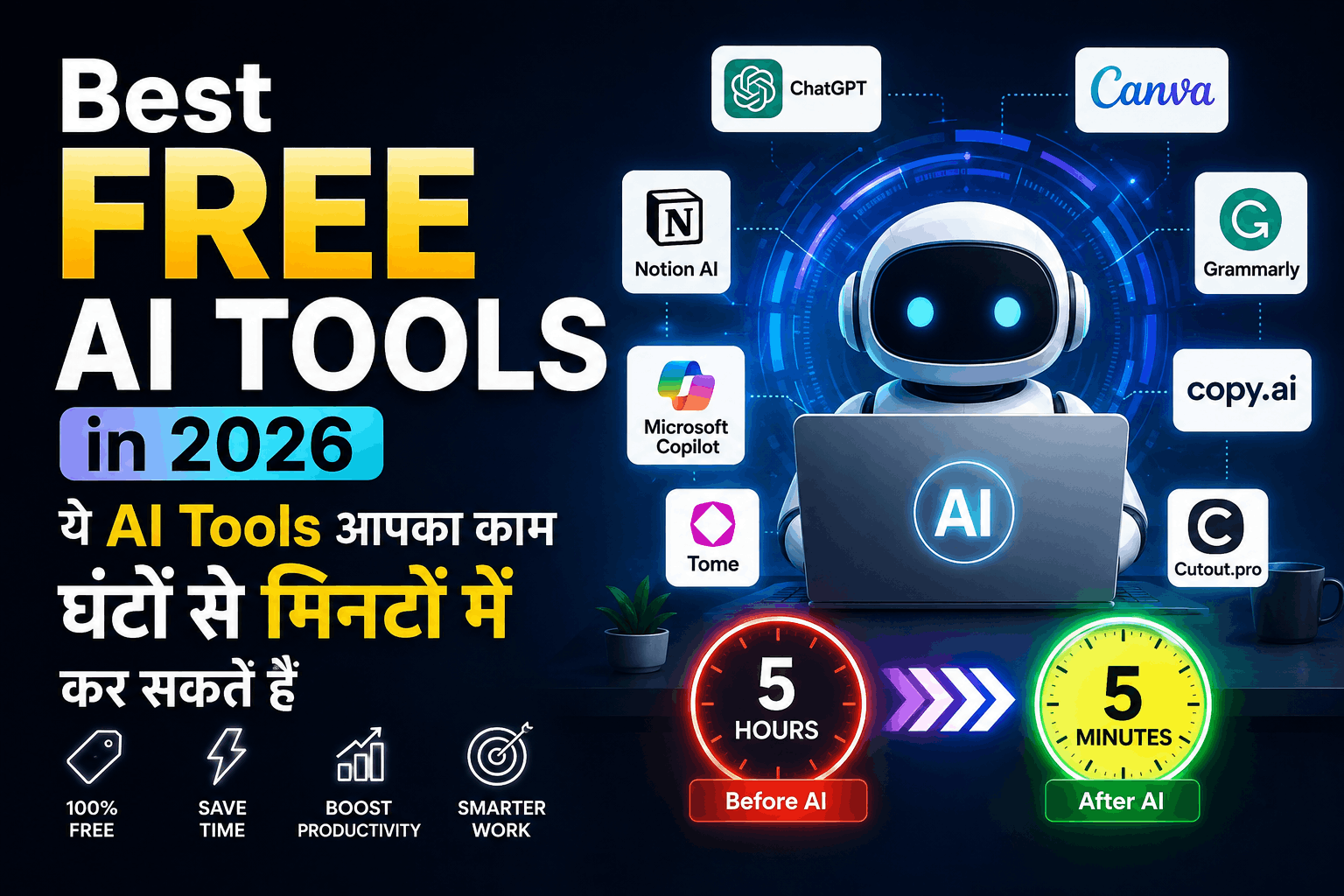
Best Free AI Tools in 2026: कौन सा AI Tool आपके काम का है?
AI अब सिर्फ सवालों के जवाब देने वाला chatbot नहीं रहा। आज AI की मदद से आप लेखन, पढ़ाई, रिसर्च, फोटो एडिटिंग, वीडियो बनाने, coding, presentation और रोजमर्रा के कई काम कुछ ही मिनटों में कर सकते हैं।
लेकिन असली परेशानी यह है कि इंटरनेट पर हजारों AI tools मौजूद हैं और लगभग हर वेबसाइट किसी न किसी tool को “best AI tool” बता रही है।
ऐसे में सवाल है—वास्तव में कौन से AI tools काम के हैं और कौन से सिर्फ नाम के हैं?
इस आर्टिकल में हमने अलग-अलग जरूरतों के हिसाब से useful free AI tools को आसान भाषा में समझाया है, ताकि आपको 50-100 tools की लंबी list देखकर confuse न होना पड़े।
Quick Answer: अगर आपको एक all-round AI assistant चाहिए तो ChatGPT या Gemini से शुरुआत कर सकते हैं। Research के लिए Perplexity, लंबे documents के लिए Claude/NotebookLM और coding के लिए AI coding assistants ज्यादा उपयोगी हो सकते हैं।
Important : Best Smart Phone Kon Sa Hai
2026 में AI Tools इतने जरूरी क्यों हो गए हैं?
AI की popularity लगातार बढ़ रही है। भारत में भी AI का इस्तेमाल तेजी से बढ़ रहा है और बहुत से users यह समझना चाहते हैं कि AI को सही तरीके से सीखना और इस्तेमाल करना कहां से शुरू करें।
सबसे अच्छी बात यह है कि कई बड़े AI platforms basic features के लिए free plans भी देते हैं।
इसका मतलब यह नहीं है कि हर AI tool पूरी तरह free है। ज्यादातर services में free tier और paid plan दोनों होते हैं और free version में usage limits हो सकती हैं।
इसलिए किसी tool को इस्तेमाल करने से पहले यह देखना जरूरी है कि उसके free plan में आपको वास्तव में क्या मिलता है।
15 Best Free AI Tools in 2026 in Hindi - Complete Information
ChatGPT – सबसे ज्यादा काम आने वाला AI Tool
अगर आपने AI के बारे में सुना है तो ChatGPT का नाम जरूर सुना होगा।
यह एक general-purpose AI assistant है जिसका इस्तेमाल आप writing, brainstorming, learning, coding, summarization और कई दूसरे कामों के लिए कर सकते हैं।
ChatGPT से क्या कर सकते हैं?
- Article का outline बनाना
- किसी difficult topic को आसान भाषा में समझना
- Email लिखना
- Coding में मदद लेना
- Text summarize करना
- Ideas generate करना
- Translation और rewriting
- Study material तैयार करना
किसके लिए अच्छा है: Students, bloggers, developers, professionals और सामान्य users.
Google Gemini – Google का Powerful AI Assistant
Google Gemini उन लोगों के लिए खास तौर पर उपयोगी है जो Google ecosystem का ज्यादा इस्तेमाल करते हैं।
यह writing, brainstorming, learning और research जैसे कई कामों में इस्तेमाल किया जा सकता है।
कुछ current comparisons में Gemini को उसके free offering और broad feature set के कारण strong all-round option माना गया है।
Gemini किस काम में उपयोगी है?
- Questions के answers
- Writing और rewriting
- Ideas generate करना
- Learning
- Image-related AI features
- Google ecosystem के साथ काम
किसके लिए अच्छा है: Students, professionals और Google users.
Claude – Long Text और Writing के लिए शानदार
अगर आपका काम लंबे documents पढ़ने, summarize करने या natural-looking writing तैयार करने से जुड़ा है, तो Claude एक useful option हो सकता है।
यह खास तौर पर लंबे text और reasoning-heavy tasks में इस्तेमाल किया जाता है।
Best for: Writing, document analysis और brainstorming.
Perplexity – Google Search का AI वाला अंदाज
अगर आपको सिर्फ answer नहीं बल्कि information के साथ sources भी चाहिए, तो Perplexity काफी उपयोगी है।
यह research-oriented searches के लिए बनाया गया है और answers में sources दिखाता है।
Perplexity का इस्तेमाल कब करें?
मान लीजिए आपको किसी topic पर research करनी है।
Traditional search में आपको कई websites खोलकर information collect करनी पड़ सकती है।
Perplexity जैसे AI search tools इस process को काफी आसान बना सकते हैं।
Best for: Research, current information और source-based answers.
Google NotebookLM – अपने Documents को समझने के लिए
यह tool उन लोगों के लिए काफी interesting है जिनके पास PDFs, notes, documents या study material पड़ा रहता है।
आप अपने source material के आधार पर information समझने और summarize करने जैसे काम कर सकते हैं।
Students के लिए क्यों useful है?
मान लीजिए आपके पास 100-page का study material है।
पूरी file manually पढ़ने के बजाय आप उसके important points, summary और questions समझने में AI की मदद ले सकते हैं।
Best for: Students, researchers और document-heavy work.
Canva AI – Design बनाने वालों के लिए
हर किसी को Photoshop नहीं आता और हर छोटी image के लिए professional designer रखना भी संभव नहीं है।
यहीं Canva जैसे design platforms useful होते हैं।
AI features की मदद से आप social media graphics, presentations, posters और दूसरे visual content तैयार करने की process आसान कर सकते हैं।
Best for: Bloggers, students, creators और small businesses.
Software in Hindi: सॉफ्टवेयर क्या है? प्रकार, उदाहरण, उपयोग और पूरी जानकारी
GitHub Copilot – Coding को आसान बनाने वाला AI
Developers के लिए AI coding assistants काफी useful हो चुके हैं।
GitHub Copilot जैसे tools code लिखने, suggestions देने और programming tasks में सहायता करने के लिए इस्तेमाल किए जाते हैं।
इसका इस्तेमाल किसके लिए करें?
- Code suggestions
- Functions लिखने में मदद
- Code explain करवाना
- Bugs समझने में सहायता
- Programming सीखना
Best for: Developers और coding students.
Grammarly – Writing सुधारने के लिए
अगर आप English में email, article, assignment या professional content लिखते हैं तो grammar और clarity सुधारने के लिए Grammarly उपयोगी हो सकता है।
यह सिर्फ spelling mistakes पकड़ने तक सीमित नहीं है; writing को clearer और polished बनाने में भी मदद कर सकता है।
Best for: Students, bloggers और professionals.
ElevenLabs – AI Voice के लिए
Text को natural-sounding voice में बदलने वाले AI tools ने content creation को काफी आसान बना दिया है।
ElevenLabs जैसे platforms का इस्तेमाल voiceovers और audio content बनाने के लिए किया जा सकता है।
Best for: YouTubers, video creators और audio projects.
AI Video Tools – Video Creation हुआ आसान
AI video generation अब सिर्फ experiment नहीं रह गया है।
आज कई tools text, images या existing content से video creation में सहायता कर सकते हैं।
अगर आप YouTube, Instagram या short-video content बनाते हैं तो AI आपकी scripting, visuals और editing workflow को तेज कर सकता है।
लेकिन ध्यान रखें: AI-generated content को publish करने से पहले manually check और edit करना जरूरी है।
AI Image Generators – बिना Designer के Images
AI image generation आज सबसे तेजी से popular होने वाले AI use cases में से एक है।
आप text description देकर images generate कर सकते हैं।
उदाहरण के लिए:
“एक futuristic Indian city, रात का समय, neon lights और cinematic atmosphere”
AI image tools इस तरह के prompts से visual create कर सकते हैं।
Best for: Thumbnail ideas, social media posts, concepts और creative projects.
DeepSeek – AI Chat और Reasoning का दूसरा विकल्प
अगर आप ChatGPT और Gemini के अलावा AI assistants try करना चाहते हैं, तो DeepSeek भी एक option है।
AI chatbot market में competition काफी बढ़ चुका है और users के पास अब पहले की तुलना में कई alternatives हैं। भारत में AI app market में ChatGPT के साथ Gemini और Claude जैसे competitors की activity भी बढ़ी है।
Microsoft Copilot – Microsoft Users के लिए
Microsoft ecosystem इस्तेमाल करने वाले users के लिए Copilot एक useful AI assistant हो सकता है।
यह writing, summarization, brainstorming और productivity-related tasks में मदद कर सकता है।
Best for: Microsoft users और office/productivity work.
AI Presentation Tools – मिनटों में Presentation
Presentation बनाना कई लोगों के लिए boring और time-consuming काम होता है।
AI presentation tools आपके topic के आधार पर slides का structure तैयार करने में मदद कर सकते हैं।
Students और professionals दोनों इसका इस्तेमाल presentation workflow तेज करने के लिए कर सकते हैं।
AI Writing Tools – Content Creation के लिए
अगर आप blogger, freelancer या content creator हैं तो AI writing tools ideas, outlines और first drafts बनाने में मदद कर सकते हैं।
लेकिन यहां एक जरूरी बात है:
AI से पूरा article copy करके publish करना अच्छी strategy नहीं है।
AI को assistant की तरह इस्तेमाल करें और final content में अपना experience, examples, opinions और fact-checking जोड़ें।
यही चीज आपके content को बाकी हजारों generic AI-written articles से अलग कर सकती है।
कौन सा AI Tool किस काम के लिए Best है?
काम Recommended AI Tool
General AI Assistant ChatGPT / Gemini
Research Perplexity
Long Documents Claude / NotebookLM
Study ChatGPT / Gemini / NotebookLM
Coding GitHub Copilot
Writing ChatGPT / Claude
Grammar Grammarly
Design Canva AI
AI Voice ElevenLabs
AI Images AI Image Generators
Presentation AI Presentation Tools
Productivity ChatGPT / Gemini
Students के लिए Best Free AI Tools कौन से हैं?
अगर आप student हैं तो आपको 15 अलग-अलग AI tools की जरूरत नहीं है।
शुरुआत के लिए ये combination काफी हो सकता है:
ChatGPT + Gemini + NotebookLM + Perplexity
इनसे आप:
- difficult topics समझ सकते हैं
- notes summarize कर सकते हैं
- research कर सकते हैं
- study questions बना सकते हैं
- presentations की planning कर सकते हैं
- अपने documents से information निकाल सकते हैं
हालांकि AI का इस्तेमाल सिर्फ answer copy करने के लिए करने के बजाय learning assistant की तरह करना ज्यादा बेहतर है। Education-focused AI guides भी इसी तरह AI को learning support के रूप में इस्तेमाल करने पर जोर देती हैं।
Google Fitbit Air Fitness Tracker Price & Features
क्या Free AI Tools वास्तव में Free हैं?
यह सवाल बहुत जरूरी है।
“Free AI tool” का मतलब हमेशा यह नहीं होता कि आप उसे बिना किसी limit के इस्तेमाल कर सकते हैं।
कई AI services free tier देती हैं लेकिन messages, generations, credits या advanced features पर limits लगा सकती हैं। Current AI-tool comparisons में भी free plans के बीच काफी अंतर दिखाई देता है।
इसलिए किसी AI tool को चुनते समय सिर्फ FREE देखकर signup न करें।
यह जरूर देखें:
- Free limit कितनी है?
- क्या credit card चाहिए?
- कौन से features free हैं?
- क्या watermark आता है?
- Commercial use allowed है या नहीं?
- Data/privacy policy क्या कहती है?
AI Tool चुनने का सबसे आसान तरीका
अगर आपको समझ नहीं आ रहा कि कौन सा AI tool इस्तेमाल करें तो यह simple rule याद रखें:
सवाल पूछना है → ChatGPT/Gemini
Research करनी है → Perplexity
अपनी PDFs/notes समझनी हैं → NotebookLM
Long-form writing करनी है → Claude/ChatGPT
Coding करनी है → AI coding assistant
Design बनाना है → Canva AI
Voice चाहिए → AI voice tool
Video बनाना है → AI video tool
यानी हर काम के लिए अलग-अलग 20 tools install करने की जरूरत नहीं है।
सबसे बड़ी गलती जो लोग AI Tools इस्तेमाल करते समय करते हैं
बहुत से लोग AI tool देखकर तुरंत सोचते हैं:
“अब मेरा सारा काम AI कर देगा।”
लेकिन असल में AI की सबसे अच्छी use-case यह है कि वह आपके काम को तेज और बेहतर बनाए।
उदाहरण के लिए blogger अगर AI से पूरा article लिखवाकर publish कर देता है, तो उसके पास हजारों दूसरे websites से अलग दिखाने के लिए कुछ नहीं बचता।
लेकिन अगर वही blogger:
- खुद topic research करे,
- AI से ideas ले,
- खुद examples जोड़े,
- screenshots या testing करे,
- गलत information check करे,
- और फिर article को अपने अनुभव से edit करे,
तो content कहीं ज्यादा useful बन सकता है।
FAQs: Best Free AI Tools 2026
Students के लिए कौन सा AI tool सबसे अच्छा है?
Students के लिए ChatGPT, Gemini, Perplexity और NotebookLM अलग-अलग study और research tasks में उपयोगी हो सकते हैं.
क्या AI से article लिखकर Google पर rank कर सकते हैं?
सिर्फ AI-generated article publish करना ranking की guarantee नहीं देता। Helpful, original और genuinely useful content ज्यादा महत्वपूर्ण है। अपने article में first-hand experience, examples, testing और accurate information जोड़ना बेहतर strategy है.
क्या मुझे paid AI tool लेना चाहिए?
अगर free version आपके काम के लिए पर्याप्त है तो शुरुआत में paid subscription लेने की जरूरत नहीं है। पहले free tier को अच्छी तरह इस्तेमाल करें और फिर जरूरत के हिसाब से upgrade करें.
प्रश्न और उत्तर (FAQs)
2026 में सबसे अच्छा free AI tool कौन सा है?
यह आपके काम पर depend करता है। General-purpose काम के लिए ChatGPT और Gemini strong starting points हैं, जबकि research के लिए Perplexity और document-based learning के लिए NotebookLM उपयोगी विकल्प हैं.
क्या AI tools free में इस्तेमाल किए जा सकते हैं?
हां, कई AI platforms free tiers देते हैं। लेकिन free version में usage limits या कुछ premium features unavailable हो सकते हैं.